
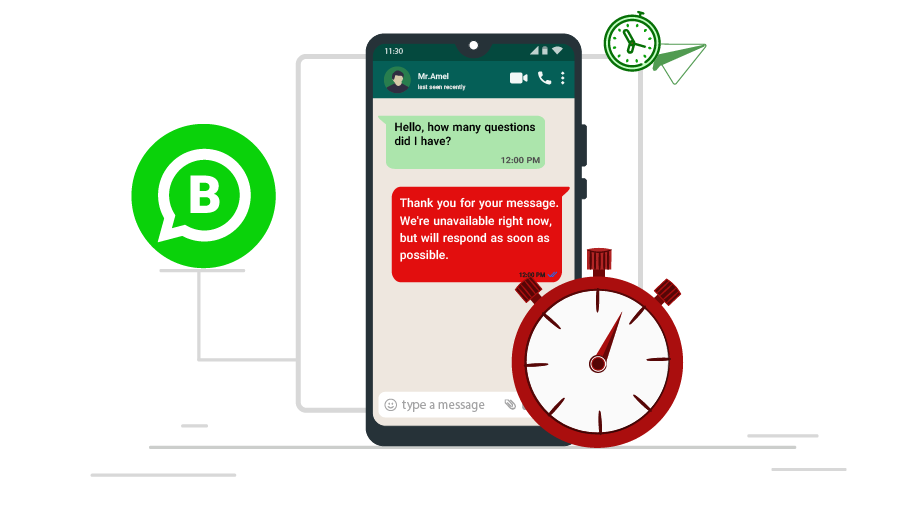
Schedule WhatsApp Messages
Schedule WhatsApp messages with WASender Online. Prepare customer reminders, campaign updates and follow-ups in advance. View plans and the 1-day trial.
How it works
Schedule WhatsApp messages with WASender Online when you want to prepare customer communication in advance. Scheduling is useful for appointment reminders, event updates, follow-ups and time-sensitive announcements. It gives your team a way to organise outgoing messages without leaving every task until the moment it needs to be sent.
Start with the purpose of the message and the audience that expects to receive it. Prepare the content, check contact numbers and confirm the date and sending time in your dashboard. Include the details a customer needs to act, such as an appointment time, an event location or a link to the relevant page on your website.
Before saving a schedule, review any information that might change. An offer should still be valid when the message goes out, and a reminder should give the recipient enough time to respond. For recurring business communications, a reusable template can help your team keep the wording consistent while checking the details for each campaign.
Scheduling and auto replies serve different purposes. A scheduled message is an outgoing communication you prepare for a later time. An auto responder answers an incoming customer enquiry. Use the scheduling feature for planned updates, and review the auto responder feature if your main goal is to handle repeated customer questions.
Choose a plan with the message allowance, contact limit and connected devices your business needs. The WASender Online pricing page lists current features and limits, with monthly plans starting at ₹149 and a 1-day trial. Check the available settings in your dashboard and test a small schedule before preparing a larger campaign.
Keep the account connection and any other sending requirements active, then review the outcome after the scheduled time. Delivery depends on your account, available allowance, recipient settings and WhatsApp availability. Send relevant updates to customers who have agreed to receive them and keep your contact list current.
Explore WhatsApp messaging tools
WhatsApp Messaging Plans for Your Business
Compare device limits, message allowances and the automation features listed below. Select a plan to see its registration and payment steps.
₹149.00 /month
- Messages limit (7000)
- Contact limit (15000)
- Device limit (1)
- Template limit (5)
- Apps limit (0)
- Chatbot
- Bulk message
- Schedule message
- Access chat list
- Access group list
₹249.00 /month
- Messages limit (40000)
- Contact limit (100000)
- Device limit (4)
- Template limit (10)
- Apps limit (4)
- Chatbot
- Bulk message
- Schedule message
- Access chat list
- Access group list
₹549.00 /month
- Messages limit (80000)
- Contact limit (unlimited)
- Device limit (8)
- Template limit (40)
- Apps limit (20)
- Chatbot
- Bulk message
- Schedule message
- Access chat list
- Access group list