
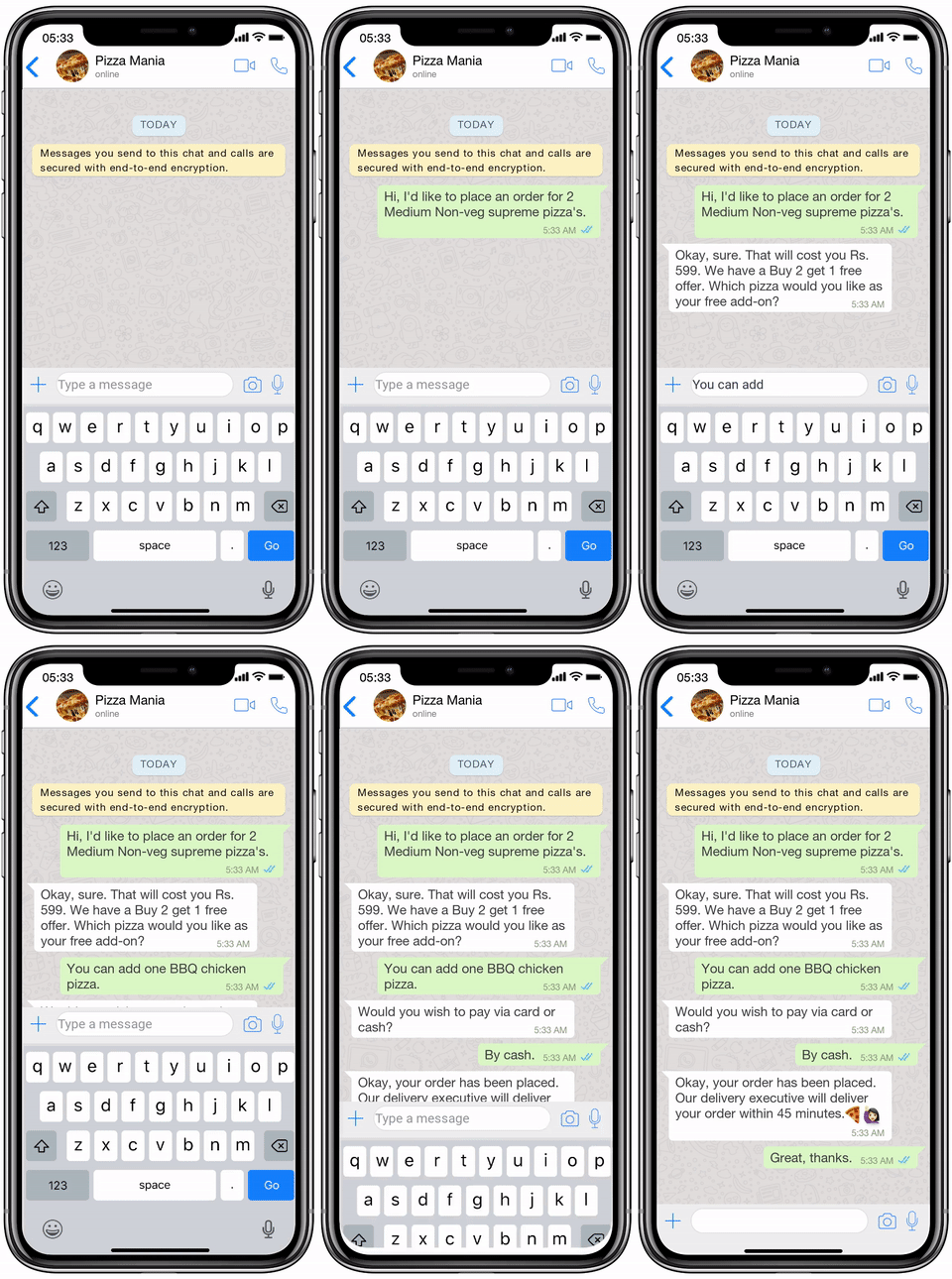
WhatsApp Automation & Auto Responder
Automate WhatsApp replies with WASender Online. Answer common customer questions, organise follow-ups and combine chatbots with scheduled messaging.
How it works
WhatsApp automation helps a business handle repeated messaging tasks with a clear, consistent workflow. WASender Online includes an auto responder feature for common customer enquiries, alongside bulk messaging, reusable templates and scheduled messages. Start with a small set of useful replies before expanding your automation.
List the questions your customers ask most often: opening hours, delivery areas, service availability, product information or how to contact your team. Write a short answer for each question and tell the customer what to do next. Keep changing information, such as prices and availability, up to date so an automated reply does not create the wrong expectation.
An acknowledgement is a useful first step. For example: “Thanks for contacting our team. Please share the product or service you need, and we will help you during our support hours.” An after-hours message can explain when a person will respond. Adapt each reply to the way your business actually operates rather than promising an immediate answer that your team cannot provide.
Connect your WhatsApp account and configure the responder from your WASender Online dashboard. Check the current plan comparison before subscribing: chatbot access and message allowances depend on the plan. Test your replies with a small set of realistic questions, including messages that do not match the expected wording, so you understand where a person will need to take over.
Use automation to support customer conversations, then review the replies your business receives. If several customers ask a new question, improve the relevant response or add the answer to your website FAQ. Avoid requesting passwords, payment credentials or other sensitive details in an automated conversation.
Auto replies and scheduled messages solve different problems. An auto responder reacts to an incoming enquiry; scheduling prepares an outgoing message for a later time. Bulk messaging helps you communicate with a selected audience. Combining these features gives you a practical workflow for announcements, follow-ups and routine support, with a person available for questions that need individual attention.
Compare WASender Online plans and the 1-day trial to choose the features your business needs. Keep your account connected as required by the platform, check your message allowance and review automated responses regularly. Use automation for customers who expect to hear from your business and follow the rules that apply to your WhatsApp account.
Explore WhatsApp messaging tools
WhatsApp Messaging Plans for Your Business
Compare device limits, message allowances and the automation features listed below. Select a plan to see its registration and payment steps.
₹149.00 /month
- Messages limit (7000)
- Contact limit (15000)
- Device limit (1)
- Template limit (5)
- Apps limit (0)
- Chatbot
- Bulk message
- Schedule message
- Access chat list
- Access group list
₹249.00 /month
- Messages limit (40000)
- Contact limit (100000)
- Device limit (4)
- Template limit (10)
- Apps limit (4)
- Chatbot
- Bulk message
- Schedule message
- Access chat list
- Access group list
₹549.00 /month
- Messages limit (80000)
- Contact limit (unlimited)
- Device limit (8)
- Template limit (40)
- Apps limit (20)
- Chatbot
- Bulk message
- Schedule message
- Access chat list
- Access group list